Abandoned Cart Emails: Stop Losing Ticket Sales!
Effective Abandoned Cart Emails Elements Contents
- Effective Abandoned Cart Emails Elements
- 1. Fast Timing
- 2. Urgency & Enthusiasm
- 3. Compelling Subject Line
- 4. Distinct Email Copy
- 5. Strong Call to Action (CTA)
- 6. Clean Email Design
- 7. Social Proof & Images
- 8. Discount Code
- Abandoned Cart Email Automation
- Extra Abandoned Cart Reminders
- Customizable Abandoned Cart Emails
Abandoned cart emails help you close more ticket sales. Everyone gets interrupted – even when they’re buying tickets to your event.
Don’t let your attendees forget about your event. Make sure they remember to finish their order with an automated email reminder. It’s the easiest way to boost your sales.
As you build your abandoned cart recovery strategy, here’s what to consider:
- Effective Abandoned Cart Email Elements
- Abandoned Cart Email Automation
- Extra Abandoned Cart Reminders
- Customizable Abandoned Cart Emails
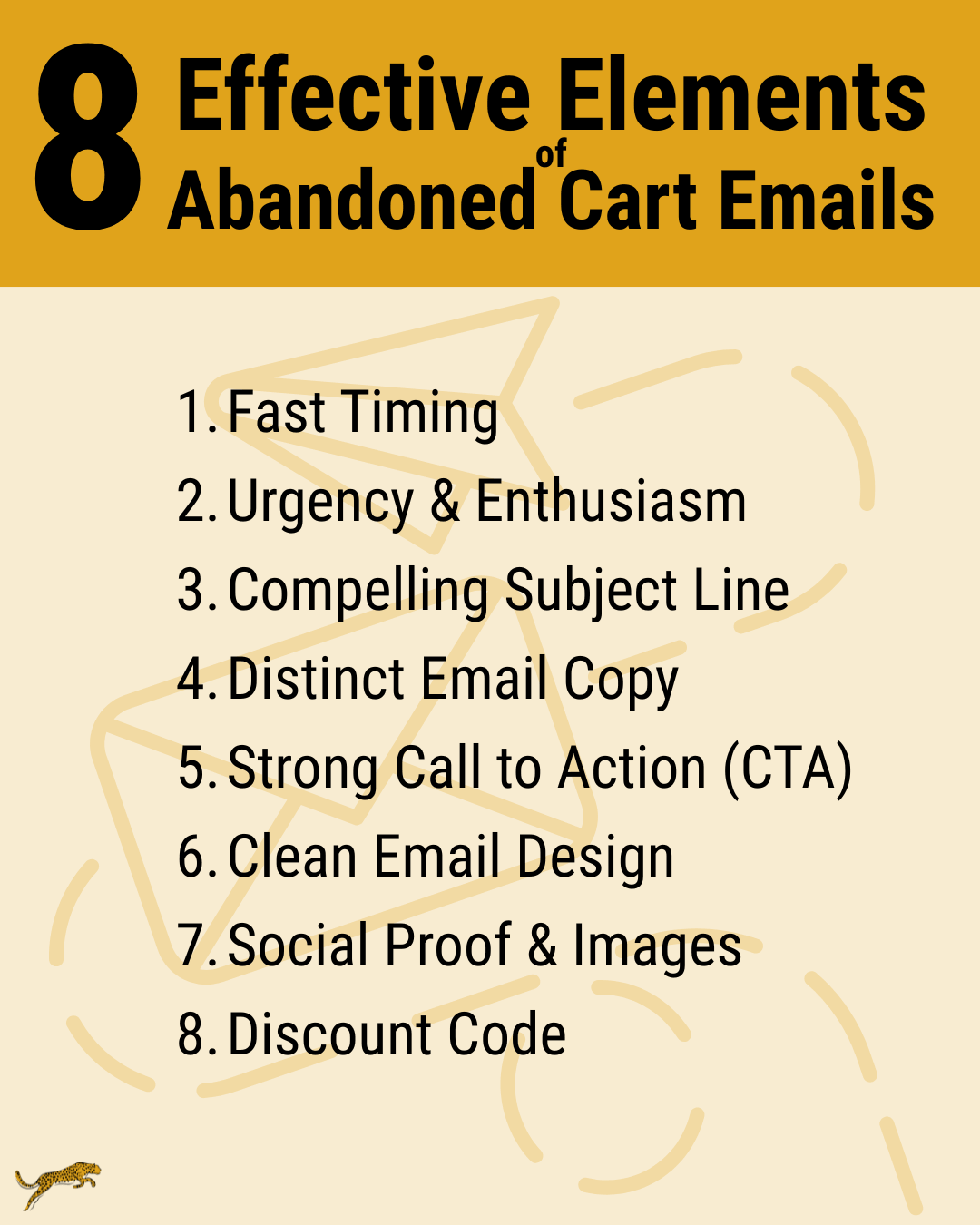
Effective Abandoned Cart Emails Elements
To get the most out of your abandoned cart emails, include the following eight elements:
- Fast Timing
- Urgency & Enthusiasm
- Compelling Subject Line
- Distinct Email Copy
- Strong Call to Action (CTA)
- Clean Email Design
- Social Proof & Images
- Discount Code
1. Fast Timing
Make sure that you keep your event top of mind with a quick email reminder. Recommendations generally fall between within the first hour after an order has been abandoned and up to four hours after an order has been abandoned.
You want your abandoned cart emails to be sent soon to capitalize on the excitement and enthusiasm people had the moment they started an order. It also helps encourage a sense of urgency and keeps your event top of mind for your audience.
2. Urgency & Enthusiasm
Beyond sending a quick reminder, everything in your email should create a sense of urgency and enthusiasm for your audience. You want them to decide that they’ve got to get these tickets!
You start creating urgency and enthusiasm with your subject line and carry it through your email content with event images and your email copy.
3. Compelling Subject Line
Your subject line is how people decide whether or not to open your email – make it compelling. Grab people’s attention and create urgency. Don’t overdo your urgency, people start to get skeptical of it.
Think of the following subject line examples:
- Did you forget something?
- Ooops! Finish Your Order Now.
- Don’t put this off: Get Your [Event Name] Tickets.
- You’re so Close. Finish Your [Event Name] Order.
- Don’t leave this experience behind.
- We want you at [Event Name].
- Still Thinking About the [Event Name]?
- Remember the [Event Name]? Don’t Miss Out!
Craft your subject line to match your branding. Test different subject lines to boost your effectiveness.
4. Distinct Email Copy
Your email message should reflect your brand and what makes your event special. Incorporate your brand voice, like old English for a Renaissance faire, spooky elements for a haunt, or fun spunk for a festival.
Next, highlight what makes your event memorable. Think about any new elements you’re adding this year, any special performers, any special activities, etc. Include these details in your emails.
5. Strong Call to Action (CTA)
The purpose of your email is to get your audience to finish their orders. Craft your CTA to communicate what people gain by finishing their order. The most effective CTAs are clear and speak to the benefit people get by completing their order.
Your CTA could be “Finish Order” or “Buy Tickets”. These CTAs are clear, but they’re generic. What makes your event experience unique?
A Renaissance faire might say “Join the Revelry” or “Secure Royal Entry” or “Book Thy Audience”. Each of these options evoke part of the experience at the Renaissance Faire, which buying tickets makes possible.
A corn maze might say “Find Your Way In” or “Start Your Adventure” or “Brave the Cornfield”. Again, these phrases incorporate elements of what the corn maze experience is and stand out from more generic phrases.
A haunt might say “Scream With Us” or “Sign Your Fate” to put the focus on the experience your attendees are buying.
6. Clean Email Design
Your email design should be eye-catching and clean so it’s easy for your audience to skim.
With your design, ensure the most important elements are easy to find. The most important element is where to click to finish their purchase. Including a button instead of a link helps your CTA stand out.
7. Social Proof & Images
Include elements that help your interested audience remember how excited they were to get tickets. Social proof can come in several forms:
- Attendee Testimonials – Share what attendees have enjoyed about your event.
- Ratings – Highlight how people have rated your event.
- Special Guest Performance – Remind people about the exciting performers you have, especially if they’re famous.
- Images from Last Year – Help people visualize what it’s like to be at your event.
Incorporating these elements into your abandoned cart emails markets your event once more to a highly interested audience.
8. Discount Code
As a final incentive, you can consider including a discount code to close the deal. Don’t include this offer in your first abandoned cart email – some people may have just been interrupted. You don’t want to offer a discount unless someone really has balked at the price. Plenty of people are happy to pay your full ticket price.
To determine how much of a discount to offer, consider your typical order size and how much you’re willing to discount to sell a ticket. A five percent discount or a few dollars off may be enough to help your audience overcome any sticker shock they may have had.
If you decide to offer a discount, be sure to include the promo code in your email body and mention the discount in your subject line.
Abandoned Cart Email Automation
With Stride Events, you’ll benefit from automated abandoned cart emails. Our system sends these emails when an order hasn’t been completed for 30 minutes. This quick, automated response helps you create urgency without having to lift a finger.
These abandoned cart email reminders include a link directly back to each attendee’s checkout page. All they have to do is finish and pay, which makes closing your ticket sales that much easier.
Extra Abandoned Cart Reminders
Beyond this initial abandoned cart email reminder, you can use our system to send three additional email reminders:
- Reminder 2: 24 hours after order start
- Reminder 3: 3 days after order start
- Reminder 4: 7 days after order start
These emails send as long as you have tickets available for sale. They also give you more opportunities to re-engage your audience so they remember why they wanted to buy tickets in the first place.
The copy of each additional reminder is unique, so you can try different approaches with your audience.
Customizable Abandoned Cart Emails
You can customize each of the abandoned cart emails in Stride Events or use our standard copy.
Customizing your subject line and email content takes your emails to the next level. Add images and custom content to highlight what makes your event special – something your prospective attendees won’t want to miss.